
bananaz works right inside Creo. Send a part, assembly, or drawing for AI-powered analysis without leaving your CAD session.
The bananaz add-in installs right into your Creo. Push the active part, assembly, or drawing in one click, with no export and no re-upload. Run batch uploads, or compare a local file against an existing version without a Windchill check-in. It reads .prt, .asm, and .drw files directly, syncs your CAD and PDM activity, and auto-updates itself. Files land in bananaz ready to review.
.avif)
bananaz connects directly to Windchill. Pull any version or revision straight from the vault and bring the right files into review without manual exports. It carries Windchill metadata across for your reviewers and keeps version history current, so Windchill stays the source of truth throughout.
.avif)
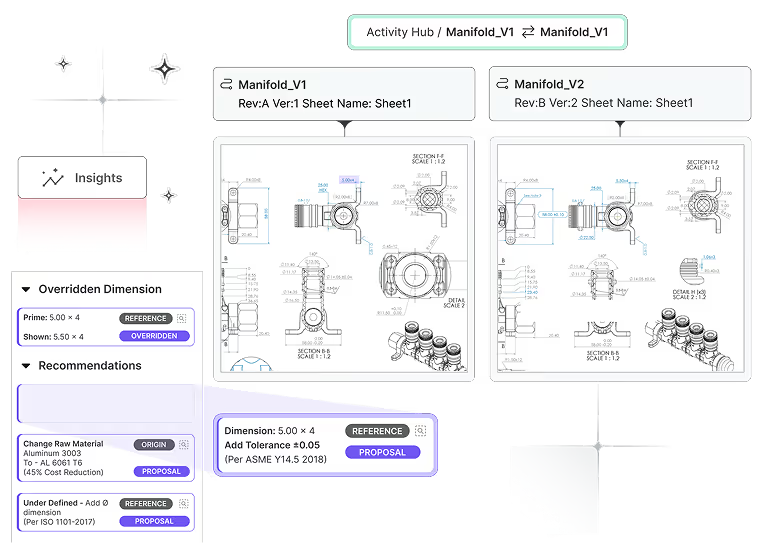
Files open in a 2D/3D viewer, so no Creo license is needed to review. Run geometric comparison across versions, apply your design checks, auto-generate change descriptions and reports, and flag DFM risks. Pin comments to the model or drawing, route approvals, and export redlines, inspection packages, and design packages. Comments and decisions stay on the file, not in your inbox.

Schedule a demo and discover how bananaz can accelerate your product development from concept to delivery
